


To ensure a convenient and efficient experience, several methods are available to get you the support you need. This article outlines our support options and how you can use them to your advantage.
The Primarius Help Center
24/7 access to the Primarius Help Center Articles. Our Help Center includes troubleshooting tips, how-to guides, product documentation, release notes, and announcements.
The Feedback Button
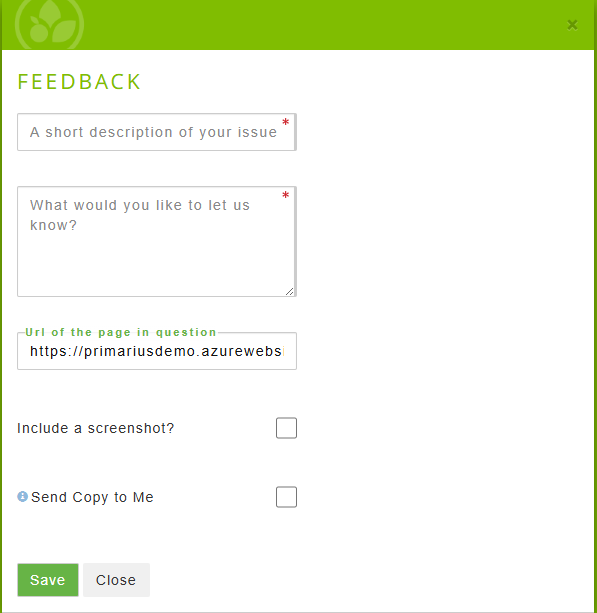
Located at the bottom of every page in Primarius is the Feedback button. Use this option to capture your current on-screen data, including a screenshot. This button generates a ticket, which is then automatically delivered to our internal ticketing system. Replies from our support team will be routed to the email address on file in your Primarius account.

Email the Team - Preferred Method for Support
Our support team can be reached at [email protected]. Make sure to include as much detail as possible in your email. For tips and tricks on what to include, please see our guide on how to Submit the Perfect Request for Support.
*If you are not currently in implementation, please refrain from contacting a Primarius team member directly. Instead, use the email address listed above.
Phone Support
Phone support is reserved for urgent issues. Please call 814-835-2222 Monday - Friday 9AM - 5PM ET. For urgent issues outside our phone support hours, send an email and include 'Urgent' in the subject line.

